Everything Minirak does, in one page
Everyone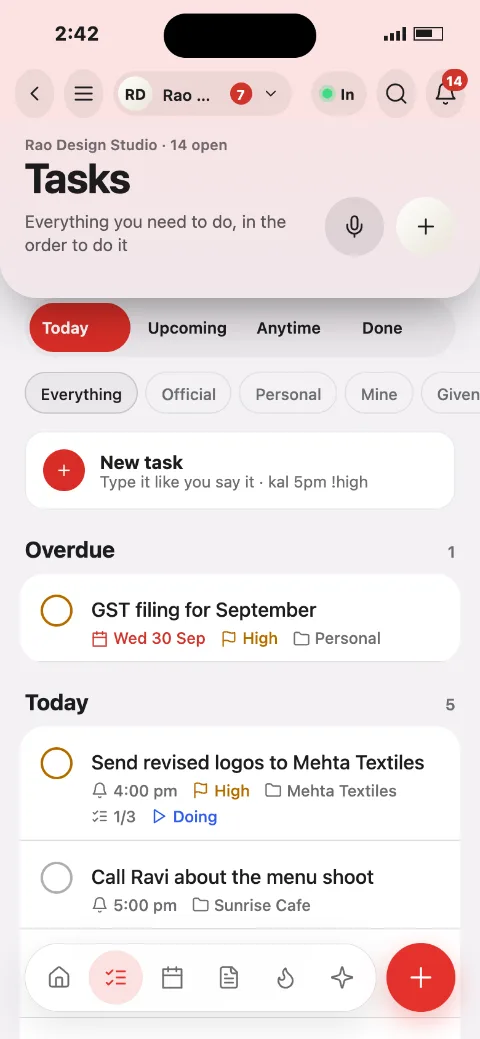
Work
Plan the day, capture anything, and look back at what you finished.
Tasks you can sayType or speak: "call Ravi kal 5pm !high @Priya #sunrise". Date, time, people, project and priority are filled in.
Today, Upcoming, Anytime, DoneFinished tasks stay struck through in a Completed group, so you see what you did.
Board view and swipeDrag between columns; swipe a row to finish or postpone.
Task pageStatus, subtasks, photos, sketches, updates, estimate and a timer.
CalendarMonth grid with a day preview. Add a task or an event to any date.
Planner and Plan my dayFits must-dos into the free gaps between meetings, with a capacity bar.
Notes and listsBlock notes, checklists, [[links]], comments and sharing. Turn any line into a task.
HabitsHold a circle to tick, streaks, reminders and a 5-week grid.
Projects and templatesFolders with meetings, notes, files and tasks; start from a template.
Small teams and companies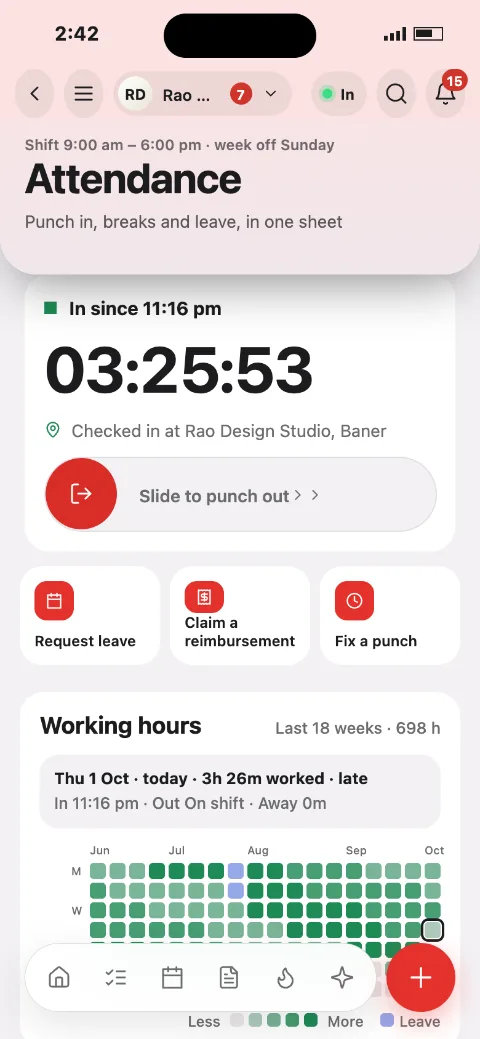
Team
Who is in, what got done, and what needs approval.
AttendanceSlide to punch in at the office pin, breaks with remarks, fix a punch.
LeaveRequest, approve with a remark, balances by type.
Daily reportsDone, plan and blockers, sent in the evening.
RoomsTeam chat with members, media, an ideas board and a summary note.
InboxApprovals, mentions and requests in one list.
PeopleDirectory, roles and invites by code, QR, email or link.
Freelancers and one-person companies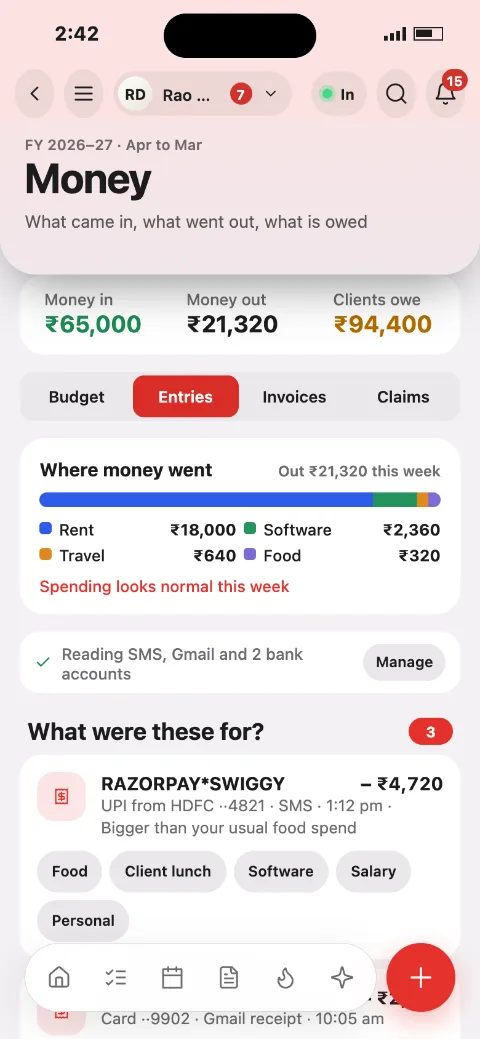
Business
From the first proposal to the payment, with Indian tax rules built in.
ClientsStages, consent, preferred channel and everything per client.
GST invoicesRule 46 fields, HSN and SAC, CGST and SGST or IGST, TDS and amount in words.
GST and taxReturns calendar, liability and compliance checks.
Contracts and e-signTemplates, send, sign and a full audit trail.
Client portalClients sign in with a WhatsApp code, approve milestones and pay.
Booking pageYour free slots, synced to your calendar.
CrewHire contractors, timesheets and payouts with TDS.
Credit notes and retainersRecurring invoices, LUT exports and quote to invoice.
Everyone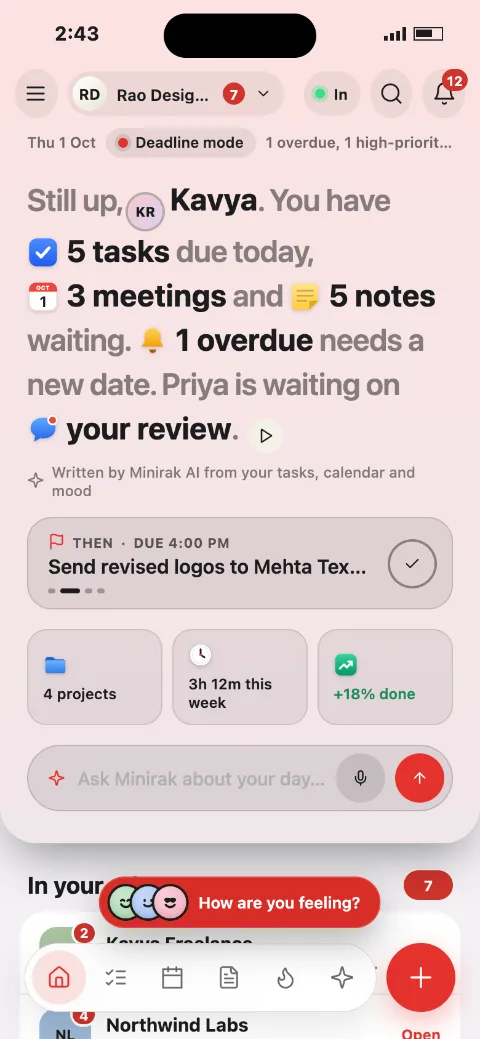
You
The private side: money, mood and your own settings.
MoodLog how you feel; the whole app changes colour. Never shared with a company.
Money and budgetSafe to spend, limits, bills, EMIs, savings goals, split a bill by UPI.
SubscriptionsTrials, renewals, price rises and unused apps.
DevicesSee every signed-in device and extension; sign one out.
Privacy and accountFace ID lock, two-step sign-in, export all data, delete account.
Give feedbackText, voice note or screenshot, from the floating ball or the menu.
Everyone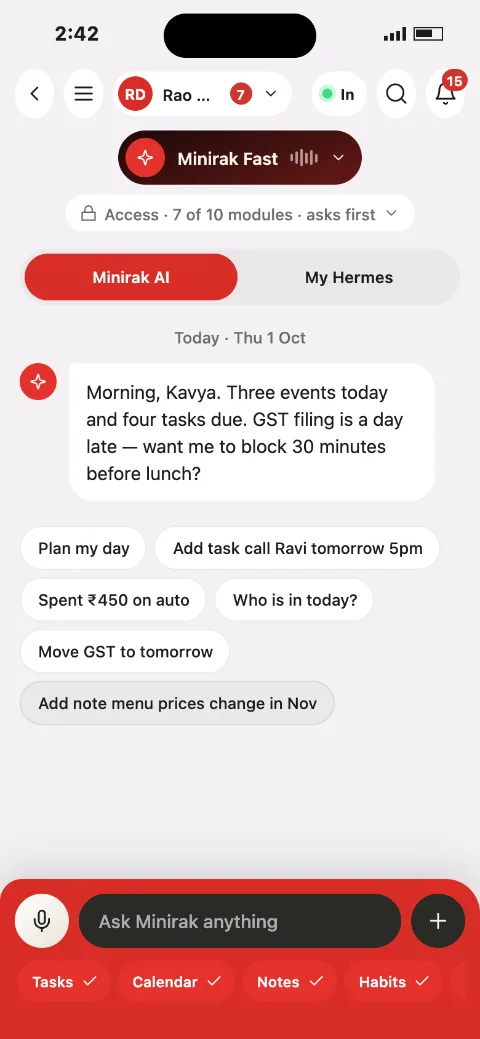
AI and capture
Ask Minirak, or catch a thought before it is gone.
Minirak AIAdd, move and finish tasks, write notes, schedule, log expenses, punch in.
Access you controlTurn each module on or off, and choose "ask before changing".
Voice notesLive transcript in English, Hindi or Hinglish; found items become tasks.
Floating ballOver other apps: note, task, record, ask AI, expense, feedback.
Widgets and lock screenToday, habits and quick add.
Chrome and SafariClip a page or selected text into a task or note.
Hermes agentsPair your own agent; chats from every device and a job board.
Owners and admins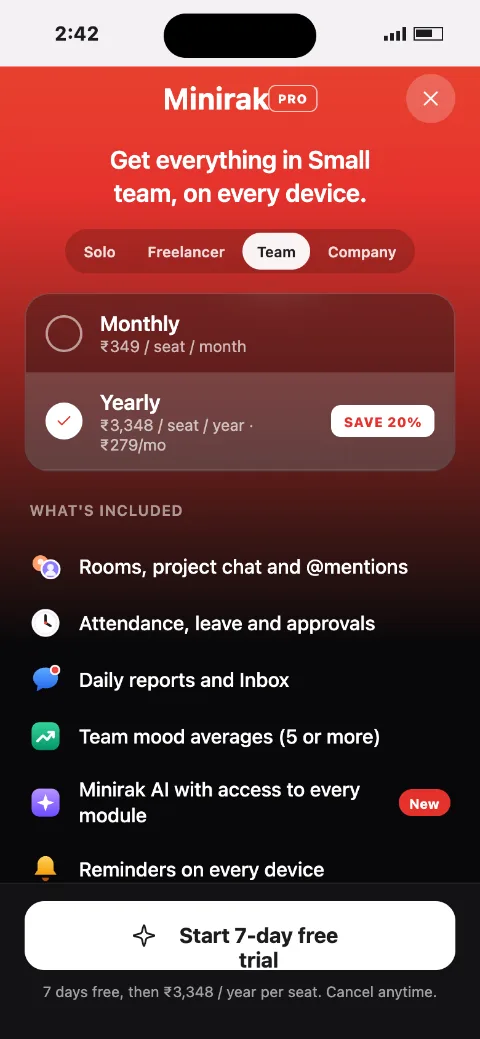
Company admin
The admin console for a company space, on the web and on your phone.
OverviewWho is in, late or on leave; meetings, projects and the team mood average.
Roles and data accessWhich roles see which modules, export and retention.
Shifts and holidaysRosters, holiday calendar and attendance rules.
Policies and SSOLeave policy, sign-in with Google or Microsoft.
Joining and offboardingCodes, QR posters, CSV import, hand-over checklist.
Audit logEvery admin change with who, when and what.